Sled Surfers Controls Guide
Master steering, jumps, and flip timing so every swipe protects your downhill speed.
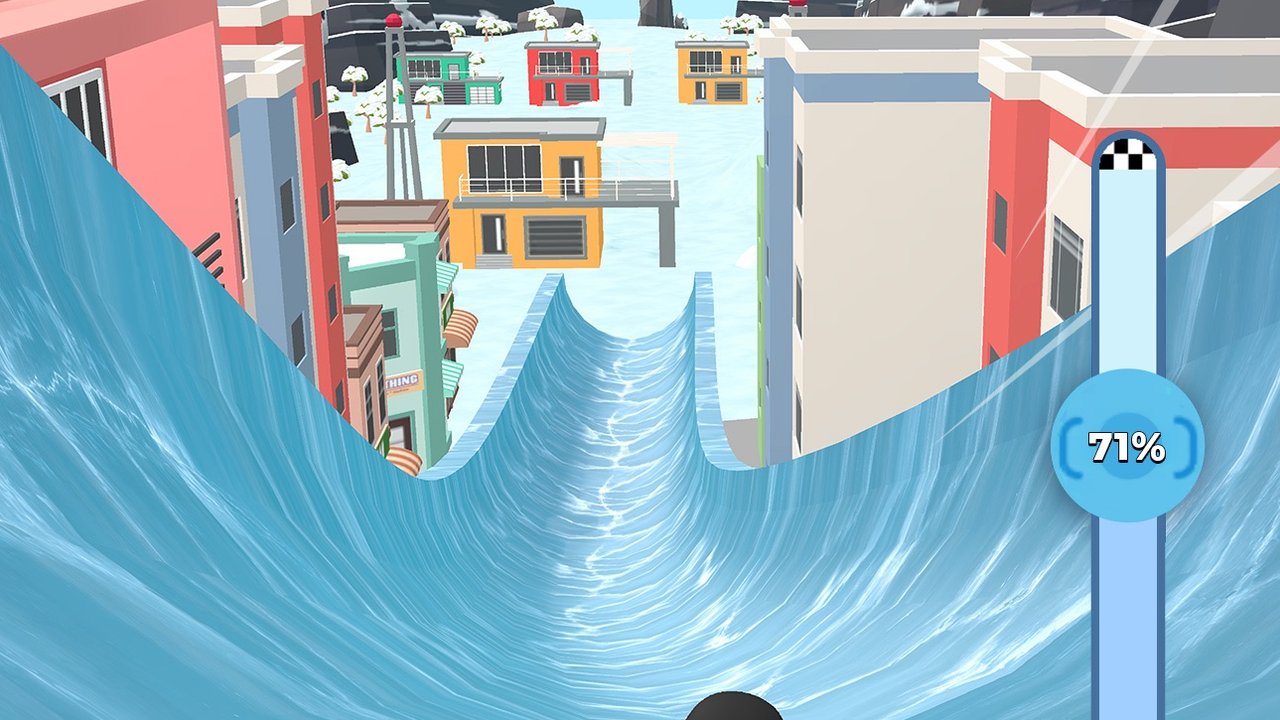
Sled Surfers markets “smooth controls” and “simple to play, hard to master.” The hard part is not finding the buttons — it is knowing when not to touch them. This controls guide covers the standard mobile inputs, how they interact with ramps and flips, and the habits that keep your speedometer climbing. Read it beside tips and tricks and Getting Started.
Core inputs
Exact gestures can vary slightly by device and accessibility settings, but the loop players describe is consistent:
- Steer left / right — swipe or hold the virtual stick to change lanes and line up ramps.
- Jump — upward swipe or tap when you need height for obstacles or flip setups.
- Crouch / slide posture — downward input on some builds for low obstacles or posture changes.
- Flip — directional input in the air when height allows; follow any on-screen prompt the tutorial shows.
- Slingshot launch — pull/release or tap-to-launch at the start of many challenge runs when the gauge appears.
If your build shows a tutorial tip for flips, trust that tip over third-party guesses. CrazyLabs confirms that both front and back flips boost speed; it does not publish a public technical design doc for every gesture variant.
Steering philosophy
Move with intent. Every sharp correction costs pace. Keep the sled near the center when the next obstacles are unknown, then commit early when a ramp or safe lane becomes obvious. Late swerves are the number one way players clip props right before a jump they needed.
Practice drill: play one endless run where you are only allowed to steer for ramps and unavoidable obstacles. Skip optional coins. You will feel how much speed calm lines preserve. Apply that calmness on hard levels.
Jump and flip timing
Jump early enough to clear ice blocks and barriers, but not so early that you land in the next hazard. For flips:
- Confirm height.
- Confirm landing lane.
- Commit to the flip.
- Straighten for landing.
Abort the flip idea if a car, tree, or tunnel lip sits where you will land. On tough stages, a no-flip ramp is often the correct play until your fail percentage moves.
Slingshot starts
Many challenge levels begin in a rope slingshot with a power-style gauge. Wait for a strong reading before release when the UI gives you control. A weak launch makes the first obstacle pack harder than it needs to be. Slingshot upgrades in the shop improve consistency — prioritize them after Income and sled ranks per the upgrades guide.
Touch hygiene on phones
- Play in a stable grip; accidental multi-touch causes phantom swerves.
- Clean the screen; winter grease plus frantic thumbs equals drift.
- Lower animation-heavy notifications during serious attempts.
- If you use airplane mode for practice, reconnect before redeeming codes or opening mail.
Accessibility and comfort
If the default stick feels too sensitive, check in-game settings for any sensitivity or control toggles after updates. Take breaks during ticket sessions so micro-corrections do not stack into a death spiral. Store age ratings cite cartoon violence; parents should still supervise purchases.
Controls checklist before a boss stage
- Hands dry, notifications muted.
- Know whether you will flip on the first big ramp.
- Recall your last fail percentage and the lane you want.
- Confirm sled choice from the sled tier list.
- Start only when you can stay calm for one focused attempt.
Related pages
- Guides hub
- Tips and tricks
- Hard levels
- Tools for planning sessions
- Updates when control prompts change after patches
Good controls in Sled Surfers look boring from the outside: small corrections, early ramp alignment, and disciplined flips. That boredom is what fills the progress bar.
Frequently Asked Questions
Quick answers to the most common Sled Surfers questions.
How do you flip in Sled Surfers?
Use the aerial directional input shown in the tutorial when you have enough height, and only flip when the landing lane is clear.
Why do I lose speed when steering?
Sharp left-right spam bleeds pace. Steer early for ramps and obstacles, then let the sled glide.
What does the slingshot gauge do?
It sets launch power at the start of many challenge runs. Stronger launches make the opening segment safer.
Are controls the same on iOS and Android?
Core steering, jump, and flip ideas match. UI labels and sensitivity can differ slightly by build.